Figures
Every figure on this site is drawn by a Python module from facts extracted from the code, so it is rebuilt,
not redrawn, when the code changes. CI runs hardfoc-docs figures --check and fails when a
committed figure no longer matches the code. Each figure below lists the files it is drawn from.
Three layers, one of them yours
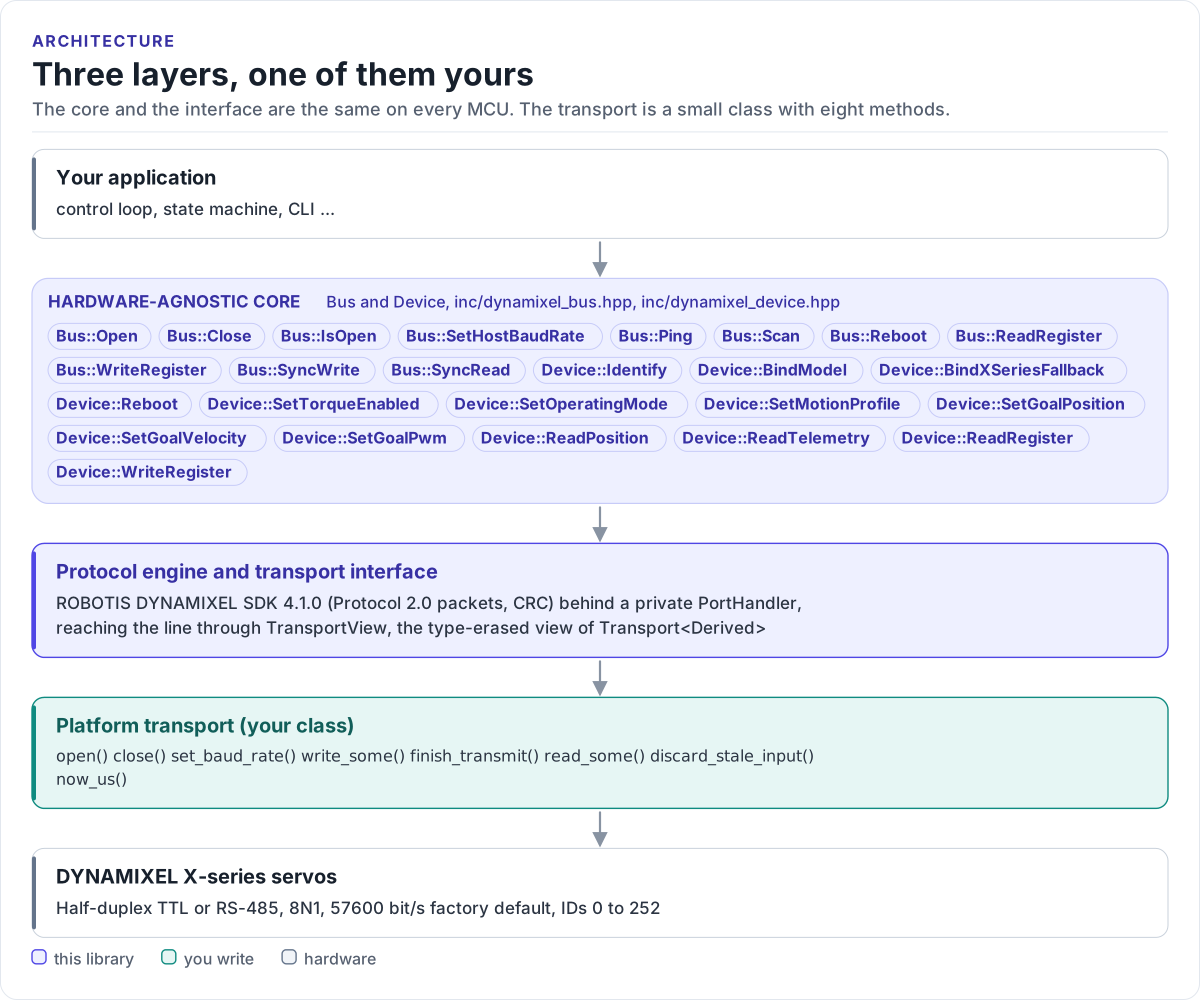
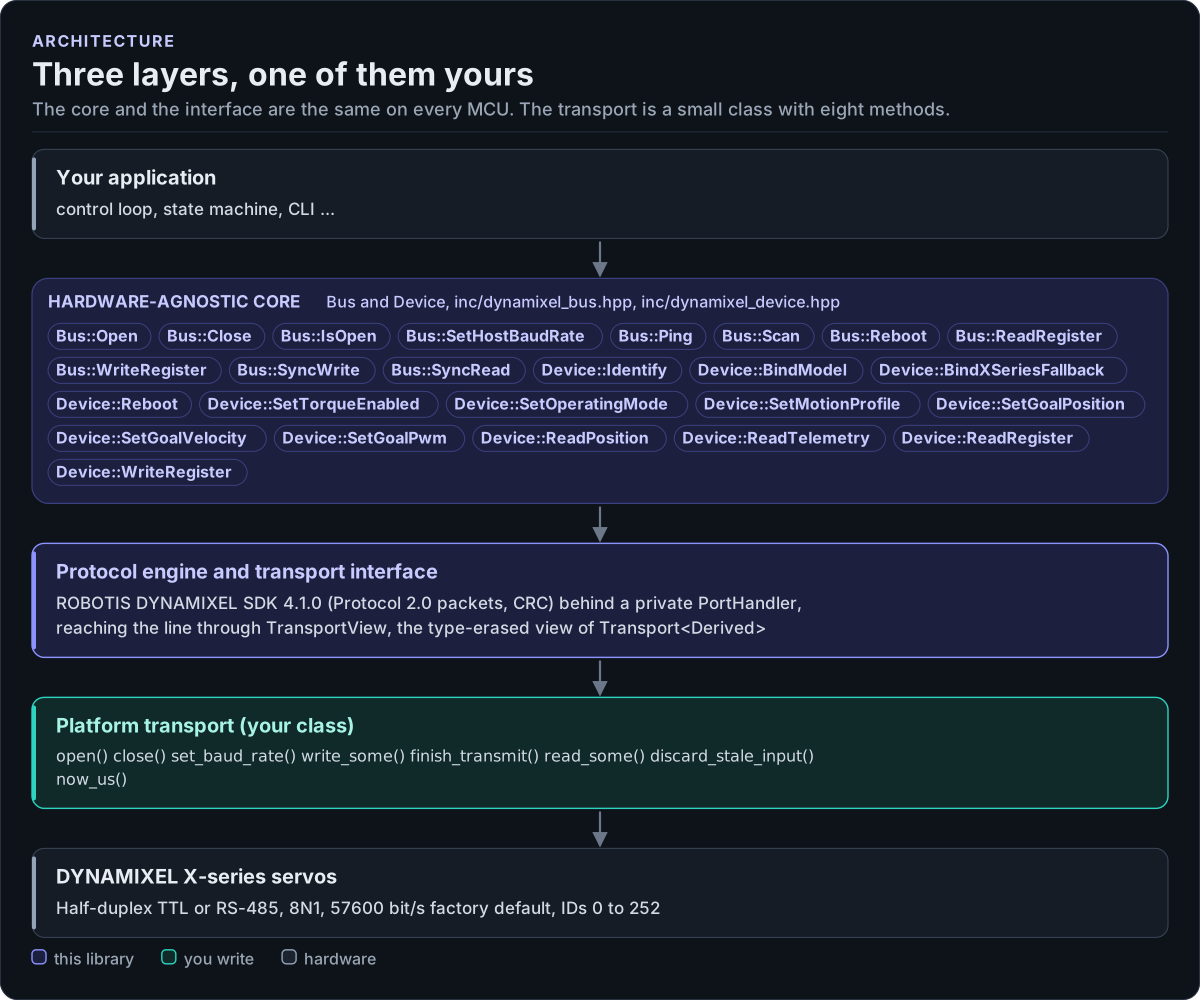
Figure description and sources
From top to bottom. Your application talks to one Bus per serial line and one Device per servo; the public members listed are the Bus and Device methods from inc/dynamixel_bus.hpp and inc/dynamixel_device.hpp. The bus encodes and decodes Protocol 2.0 packets with the ROBOTIS DYNAMIXEL SDK, behind a private PortHandler adapter, and reaches the line through TransportView, the type-erased view of a Transport
Drawn from: inc/dynamixel_bus.hpp Bus members; inc/dynamixel_device.hpp Device members; inc/dynamixel_transport.hpp Transport hooks; figure module docs/diagrams/figures/driver-layers.py.
Figure module: docs/diagrams/figures/driver-layers.py
Drawn from:
Bus membersininc/dynamixel_bus.hppDevice membersininc/dynamixel_device.hppTransport hooksininc/dynamixel_transport.hpp